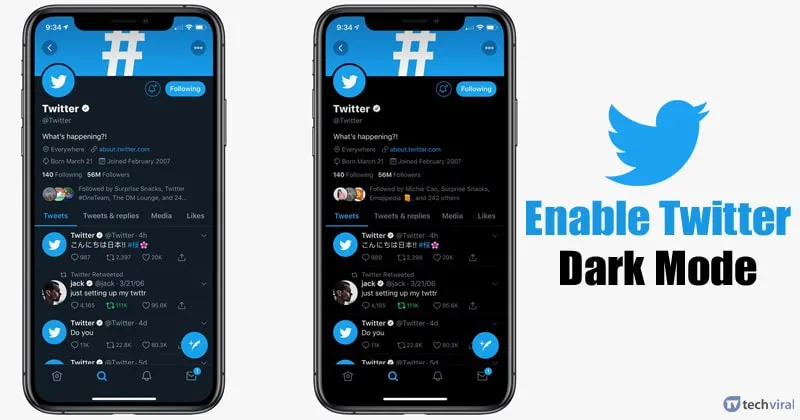
Recent Changes to Twitter’s Dark Mode
On March 5, 2026, Twitter announced a significant update to its app, particularly affecting the dark mode feature. The previous option for users to toggle night mode within the app settings has been removed, marking a notable shift in how the app manages its appearance.
Originally introduced in 2016, the night mode option was designed to reduce blue light exposure and provide users with an alternative look for the app. However, the latest update changes this by aligning the app’s dark mode with the device’s overall settings.
With this update, if a user has dark mode enabled on their device, the Twitter app will automatically display in dark colors. Conversely, if the device is set to light mode, the app will follow suit. This means users can no longer adjust the app’s appearance independently from their device settings.
Nikita Bier, X’s head of product, explained that the previous in-app control for night mode “made no sense” and created issues throughout the application. The removal of this feature is framed as a systematic improvement aimed at refining the overall user experience.
However, this change has sparked frustration among some users who valued the ability to customize their experience within the app. The familiar control for night mode is now absent, leading to concerns about losing a layer of personalization.
Critics argue that removing the in-app night mode toggle reduces customization options, trading granular control for consistency tied to device settings. Users who prefer a darker look in Twitter may now have to accept the dark mode across their entire phone interface.
Other social media platforms, including TikTok and YouTube, have adopted similar approaches to dark mode, indicating a broader trend in app design. This shift towards device-level settings may reflect a desire for streamlined functionality across applications.
As Twitter continues to evolve, the implications of these changes will be closely monitored by users and industry observers alike. The decision to remove the in-app toggle highlights a growing emphasis on consistency and user experience in app design.
Details remain unconfirmed regarding how this update will affect user engagement and satisfaction in the long term. The move represents a significant shift in how users interact with the Twitter app’s visual settings.